How we generate a whole floating-island town from code
Organic grids, a tiny building vocabulary and a lot of rules about context — the recipe behind Skyhaven's houses, arches and rooftops.
- #procedural
- #skyhaven
- #tech
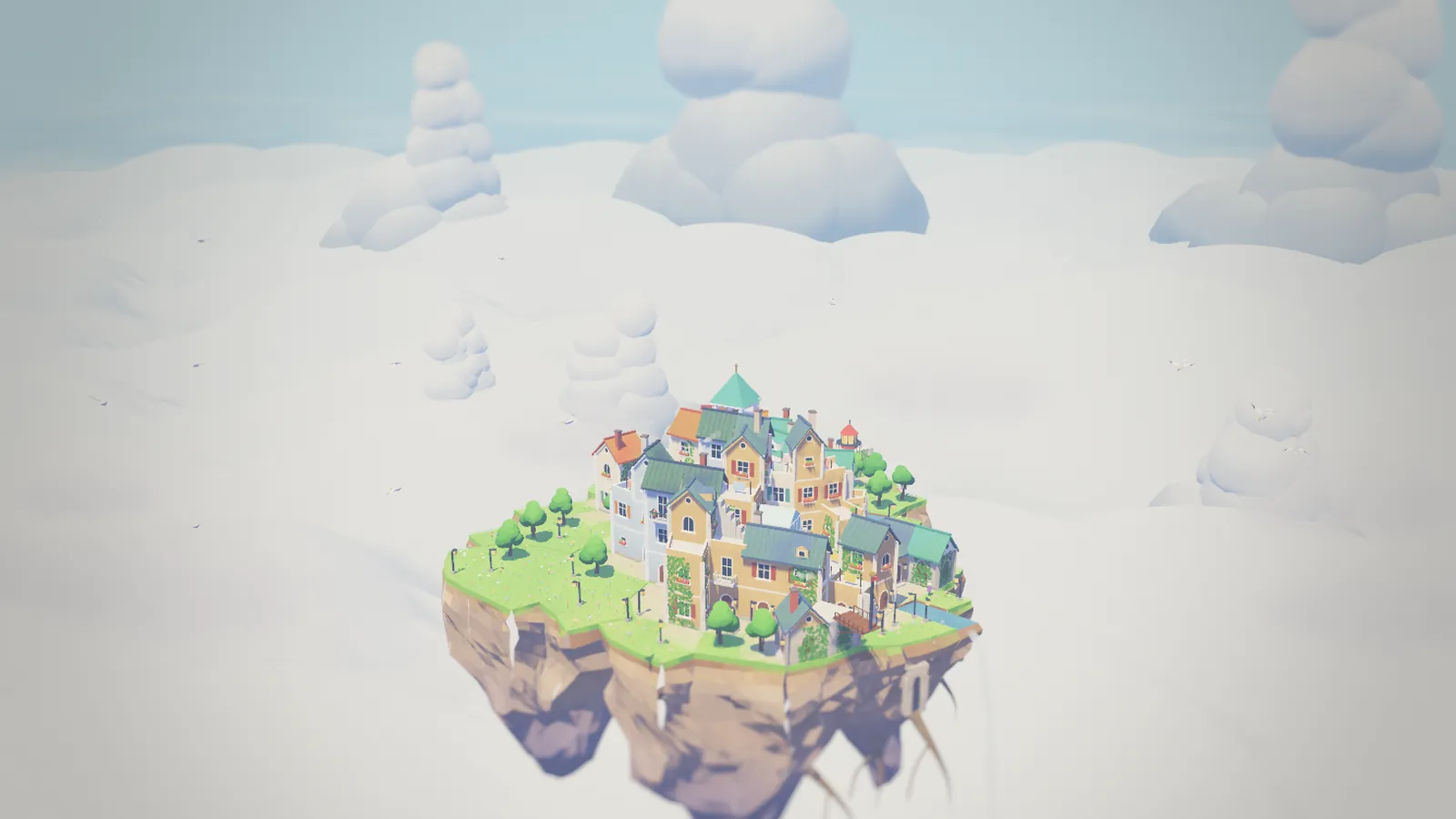
In Skyhaven you never pick a house model. You tap a tile and a floor appears; tap again and it grows taller. Everything else — walls, windows, roofs, arches, stairs, docks, towers — is worked out from the tiles around it. Here is how that works, and why the whole game still fits in a 0.7 MB HTML file.
1. A grid that does not look like a grid
Square grids make towns look like spreadsheets. We wanted streets that wobble a little, like a real hill village, so the island sits on an organic grid:
- Lay out a hexagon of points and connect them into triangles.
- Randomly merge pairs of neighbouring triangles into quadrilaterals.
- Subdivide every shape (triangles and quads) into smaller quads, so that every cell has four sides.
- Relax the mesh for a few dozen iterations, nudging each vertex until every quad is as close to a square as it can be.
The result is a grid where every cell is a slightly different four-sided shape, but neighbours always share whole edges. Four sides matter: walls, roofs and bridges only have to be designed for one kind of cell.
The grid is generated from a fixed seed, so every player has exactly the same one. That is what makes island share codes so short: a link only has to say which cells have bricks and what colour they are.
2. Each cell is a column
A cell holds a column of up to eight floors, and each floor remembers a colour scheme. That is the entire town data: heights and colours. Nothing about what gets built is stored.
3. Context decides the building
When a column changes, we look at it and its neighbours and pick pieces from a small vocabulary:
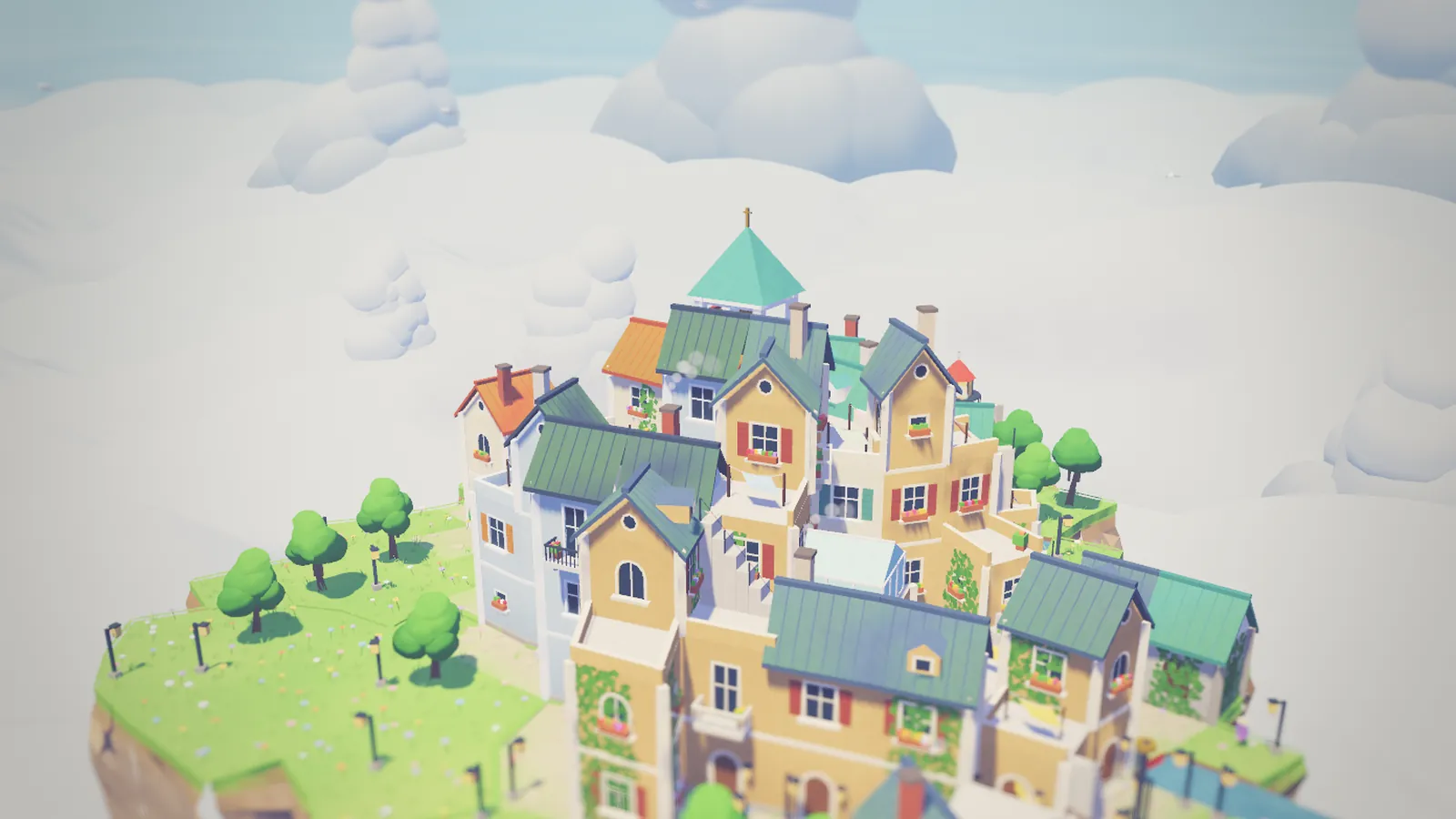
- Ground floor at the island edge → stone wall with an arch. Ground floor inside → a house front with a door. Next to water → a little wooden dock.
- Middle floors → walls with windows, but only on walls that face open air. Sometimes a balcony or a flower box.
- Top floor → a pitched roof with a chimney. If the neighbour is the same height, the two roofs merge into one terraced ridge running along the longer side.
- Empty cell with tall buildings on both sides → an arched bridge.
- Neighbour one floor lower → an outside staircase.
- A single tall column on its own → a tower with a spire.
None of these rules is clever on its own. Together they make the town feel designed, even when the player is tapping at random. That was the main goal of the first prototype: ten taps should already give you something you want to screenshot.
4. Only rebuild what changed
Tapping has to feel instant on a phone. When a column changes, its own geometry and the ring of neighbours right next to it are rebuilt in the same frame. The next two rings are queued and rebuilt a few cells at a time with a budget of about 4 ms per frame. Buildings are then merged into larger chunks, so a full island draws in roughly 70 draw calls.
5. A watercolour look without textures
There are no image textures in the game. Every surface uses one shared “watercolour” material with two or three soft bands of light, blue-violet shadows and a little procedural brush noise. A gentle tilt-shift blur at the top and bottom of the screen makes the island read like a model on a table.
6. Time does the rest
Buildings remember when their first brick was laid. As real hours pass, even while the game is closed, ivy climbs the walls, moss settles on the roofs and flower boxes appear. Empty land grows grass, then flowers, then saplings that become trees. Because the look comes from rules plus time, nothing has to be animated by hand.
Try it
The fastest way to understand the rules is to break them: build a tall column in the middle of nowhere, then put a neighbour next to it and watch the roof change its mind.